Samsung One UI 9 Testing Expands to 49 Galaxy Devices: Expected Features and Eligible Models
Samsung is reportedly testing One UI 9 internally on 49 Galaxy phones and tablets. Check the reported models, expected features and update guidance.
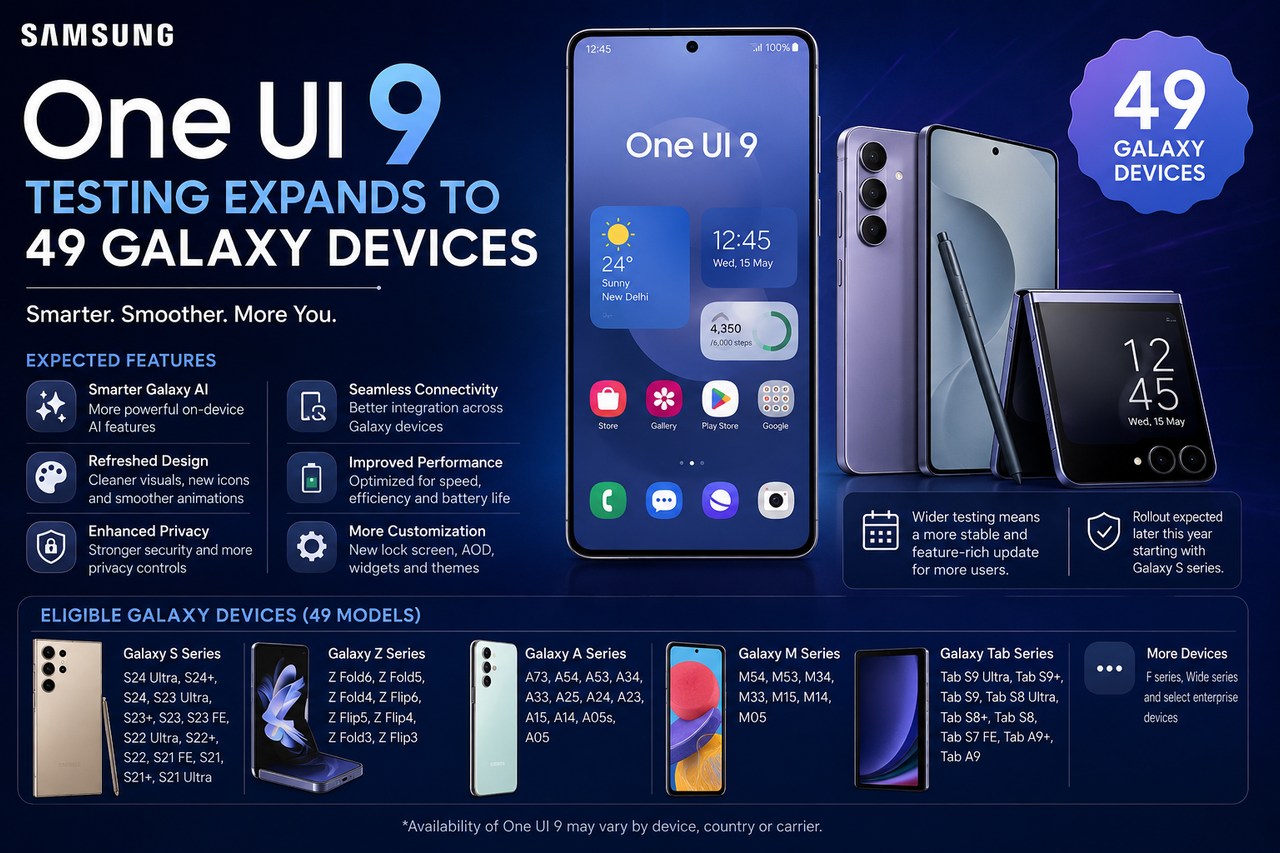
Samsung One UI 9 Internal Testing Expands to More Galaxy
Devices
Samsung is reportedly conducting internal One UI 9 testing
across 49 Galaxy smartphones and tablets. The development has generated strong
interest among Samsung users who want to know whether their devices may receive
the next major update.
The reported testing list includes devices from the Galaxy
S, Galaxy Z, Galaxy A and Galaxy Tab families. Internal testing does not
guarantee that every listed model will receive the stable update at the same
time.
Reported Galaxy S-Series Models
Devices reportedly involved in testing include:
- Galaxy
S25, S25+ and S25 Ultra
- Galaxy
S25 FE
- Galaxy
S24, S24+ and S24 Ultra
- Galaxy
S24 FE
- Galaxy
S23, S23+ and S23 Ultra
- Galaxy
S23 FE
Reported Galaxy Z-Series Models
The internal-testing list reportedly includes:
- Galaxy
Z Fold 7 and Z Flip 7
- Galaxy
Z Fold 6 and Z Flip 6
- Galaxy
Z Fold 5 and Z Flip 5
Reported Galaxy A-Series Models
Several mid-range models are also reportedly being tested,
including:
- Galaxy
A57
- Galaxy
A37
- Galaxy
A27
- Galaxy
A17
- Galaxy
A07
The wider reported list also contains tablets and additional
Galaxy devices.
Expected One UI 9 Features
One UI 9 is expected to build on Android 17 and may
introduce:
- Improved
Galaxy AI features
- Smoother
animations
- Better
battery optimisation
- Enhanced
privacy controls
- Updated
notification management
- Improved
multitasking
- New
lock-screen customisation
- Security
enhancements
Some of these functions may remain exclusive to newer
flagship devices because of processor or hardware requirements.
Internal Testing vs Stable Release
Internal testing is an early development stage. It is
different from:
- Developer
testing
- Public
beta testing
- Official
stable rollout
Users should not install unofficial firmware or leaked
software packages, as doing so can cause data loss, security problems or
warranty complications.
How to Check for an Official Update
On a Samsung phone:
- Open
Settings
- Select
Software update
- Tap Download
and install
- Install
only the official update shown by Samsung
Back up important files before installing a major
operating-system update.
Final Thoughts