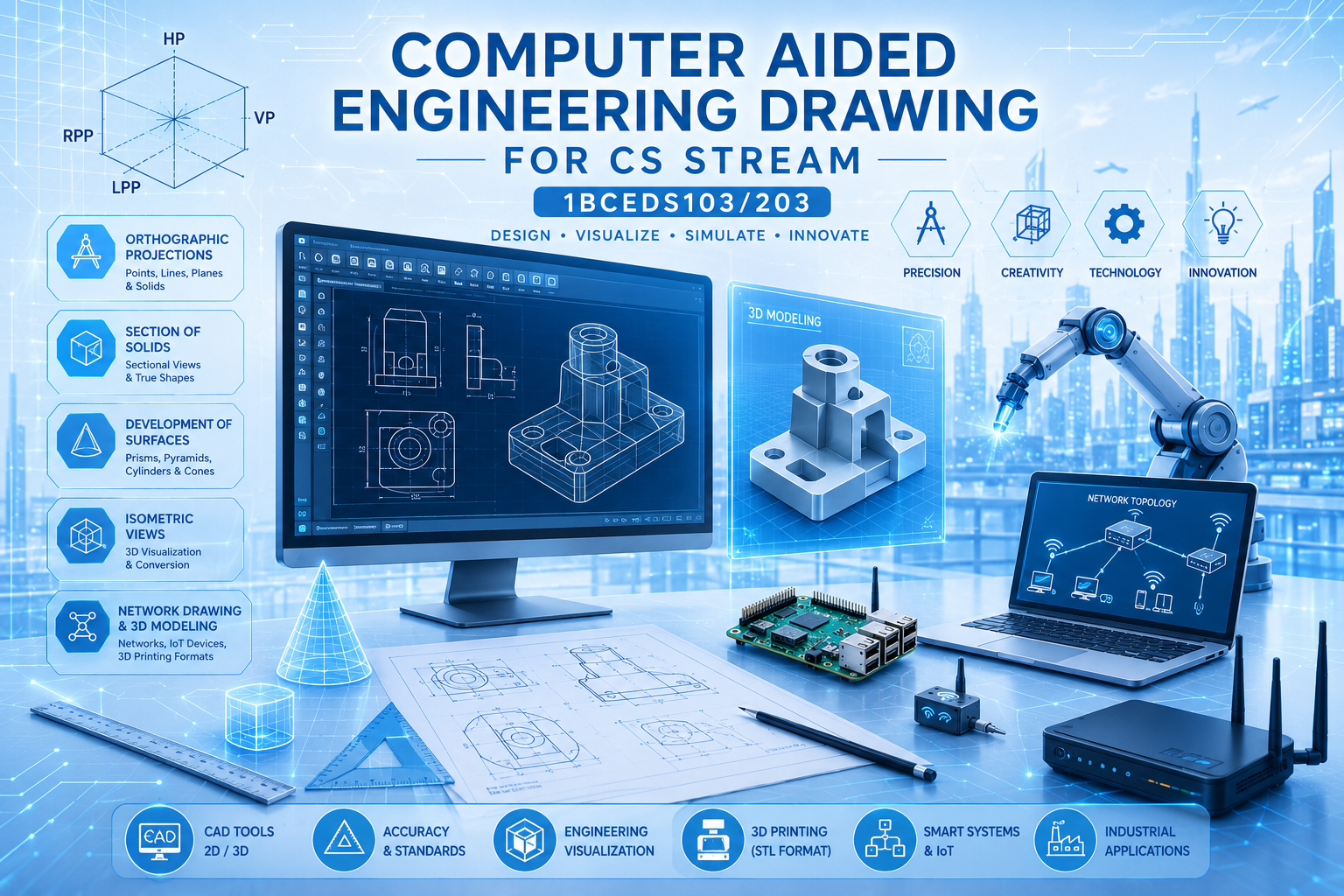
Module 1 – Introduction to Engineering Drawing and Orthographic Projections
This module introduces the basics of engineering drawing and its importance in technical communication. Students learn BIS standards, freehand sketching, and the use of scales in drawings. It also covers Computer Aided Drafting (CAD) tools and basic drawing commands used in 2D and 3D drafting. Concepts of coordinate systems and reference planes like HP and VP are explained clearly. Orthographic projections of points, lines, and plane surfaces are studied using standard methods. Different plane figures such as triangles, squares, and circles are projected in various positions. This module helps students develop basic visualization and drafting skills required in engineering.
Click to get the Module1
Module 2 – Orthographic Projection of Solids
This module focuses on the projection of three-dimensional solids onto two-dimensional planes. Students learn how solids like prisms, pyramids, cylinders, and cones are represented in engineering drawings. The solids are studied in different inclined positions with respect to reference planes. Orthographic projection techniques help in understanding the exact shape and dimensions of objects. The module improves spatial visualization and interpretation skills. It also develops the ability to represent real-world engineering objects accurately. These concepts are very useful in design, manufacturing, and technical drawing applications.
Click to get the Module2
Module 3 – Sections and Development of Solids
This module explains how solids are cut using section planes to reveal their internal details. Students learn sectional views, true shapes, and apparent shapes of solids. Sections of prisms, pyramids, cylinders, and cones are introduced conceptually. The second part focuses on the development of lateral surfaces of solids. Development methods are useful in sheet metal work and fabrication industries. Applications such as designing funnels, trays, and containers are discussed. Overall, this module connects engineering drawing concepts with practical industrial applications.
Click to get the Module3
Module 4 – Isometric Views and Orthographic Conversion
This module introduces isometric drawing methods used to represent 3D objects visually. Students learn isometric projections and isometric scales for different solids like cubes, prisms, cylinders, cones, and spheres. Combination of simple solids and step blocks are also drawn in isometric form. The module helps students understand the relationship between 2D and 3D views. Conversion of isometric drawings into orthographic views is practiced for engineering components. These skills are important in product design and visualization. Overall, the module improves drawing accuracy and creative understanding of objects.
Click to get the Module4
Module 5 – Computer Network Drawing and 3D Modeling
This module introduces computer network drawings and basic 3D modeling concepts. Students learn wired and wireless network topologies and their representation in 2D drawings. It also explains 3D models of devices such as Raspberry Pi, Arduino boards, routers, switches, and IoT devices. The concept of converting models into 3D printable STL formats is introduced. Industrial drawing concepts related to modern smart systems are also discussed. This module connects engineering graphics with current technologies like IoT and 3D printing. Overall, it provides practical exposure to digital design and modern engineering applications.