Local Service Provider Finder System – Django Python Mini Project with Source Code
Python, Django, SQLite, HTML5, CSS3, JavaScript, Django ORM, Django Authentication
199 visitors0 file downloads8 screenshots
SEE IT IN ACTION
Click an image to see it full sizeProject screenshots
THE IDEA
About this project
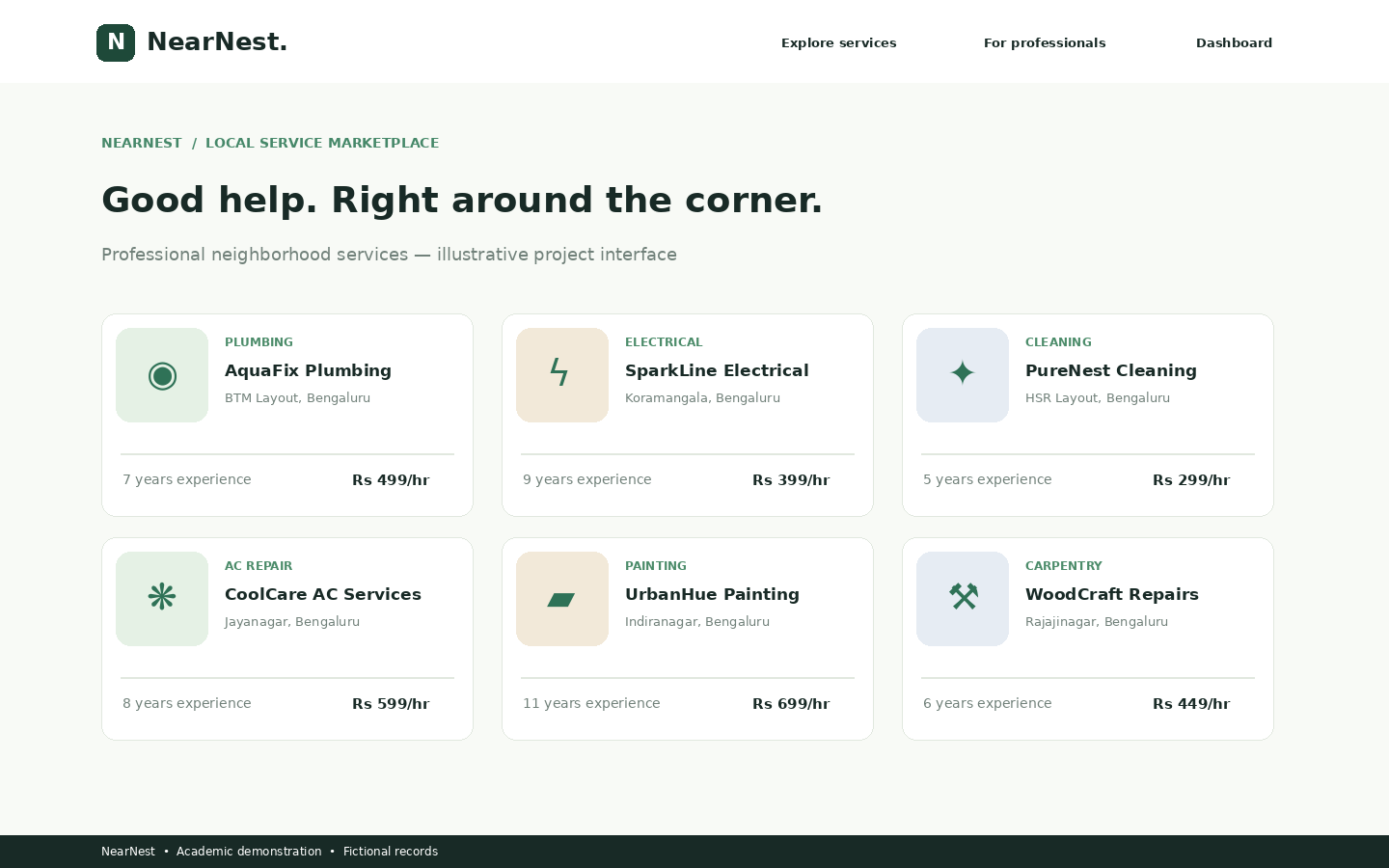
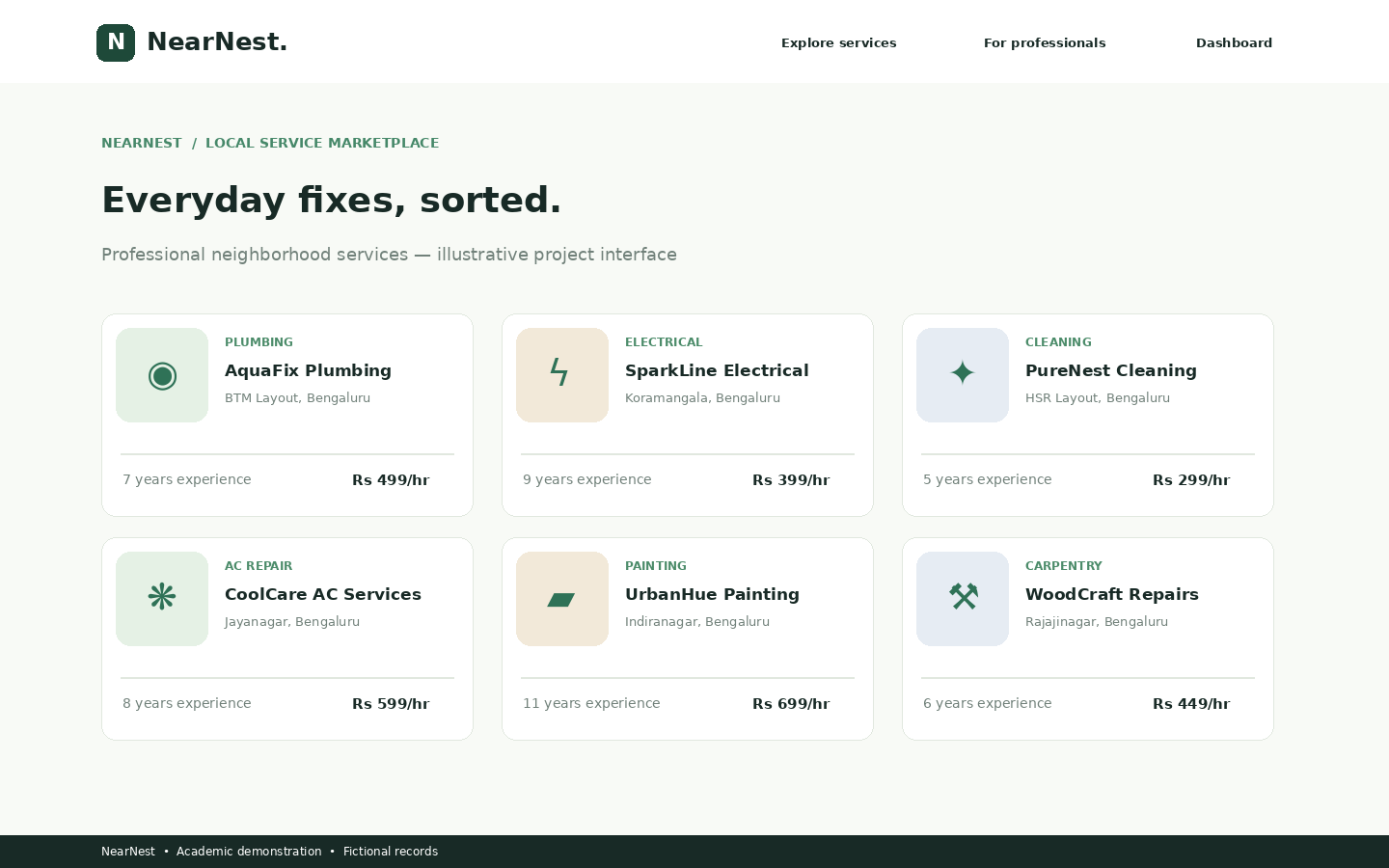
Local Service Provider Finder System (NearNest) is a full-stack web-based mini project developed using Python Django, SQLite, HTML, CSS, and JavaScript. The application helps users discover local service professionals such as electricians, plumbers, carpenters, home cleaners, painters, and appliance repair technicians through a centralized online platform.
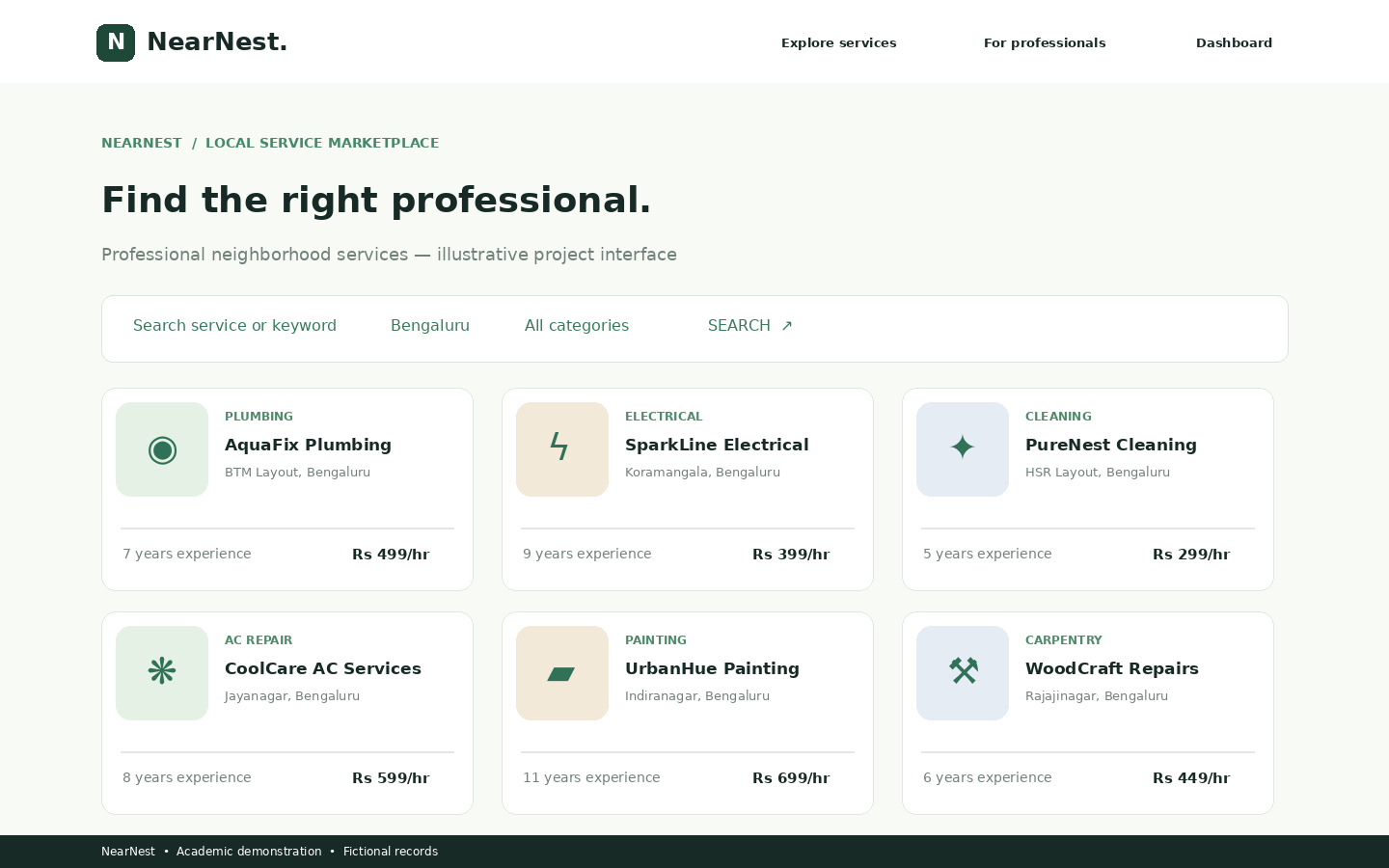
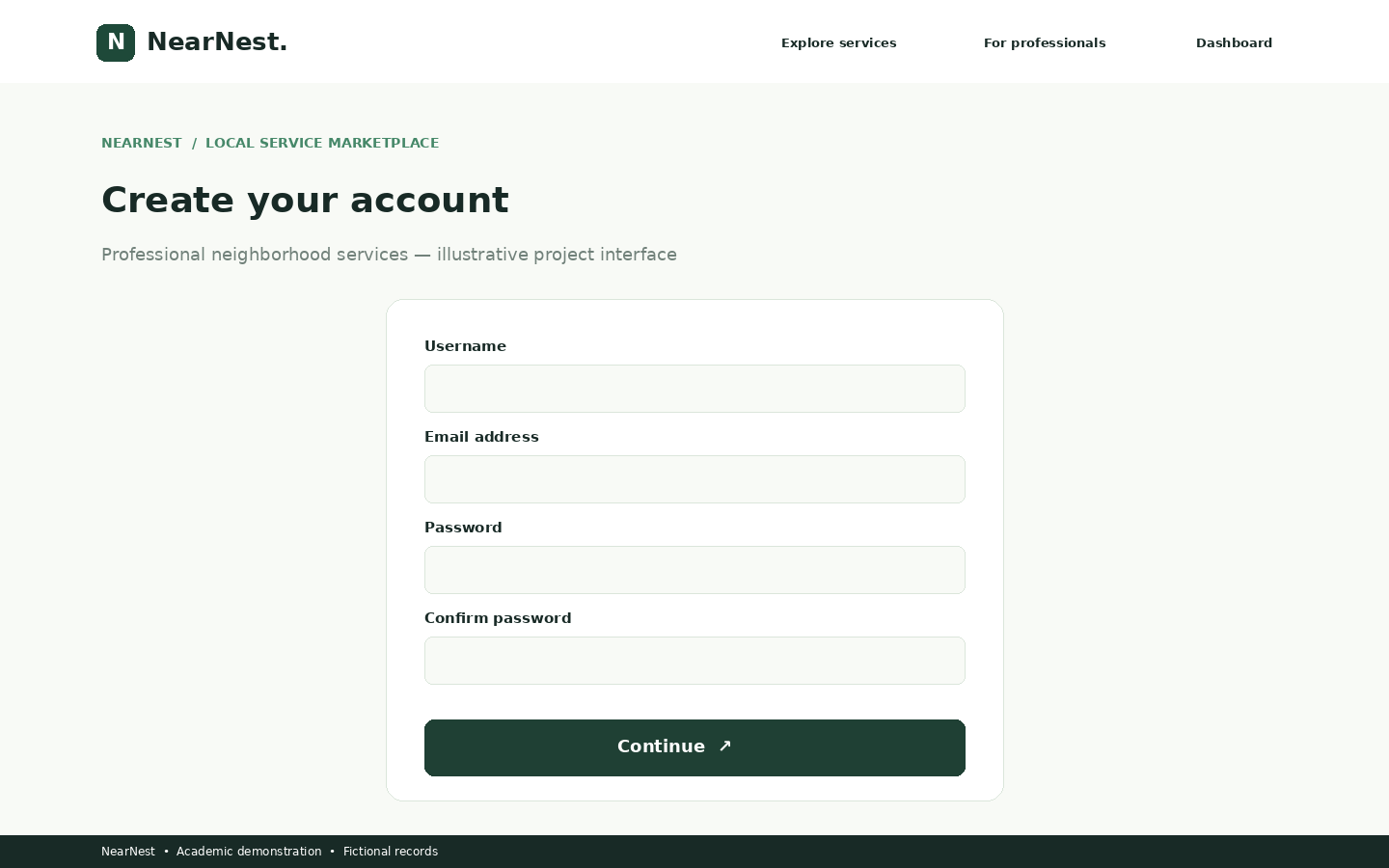
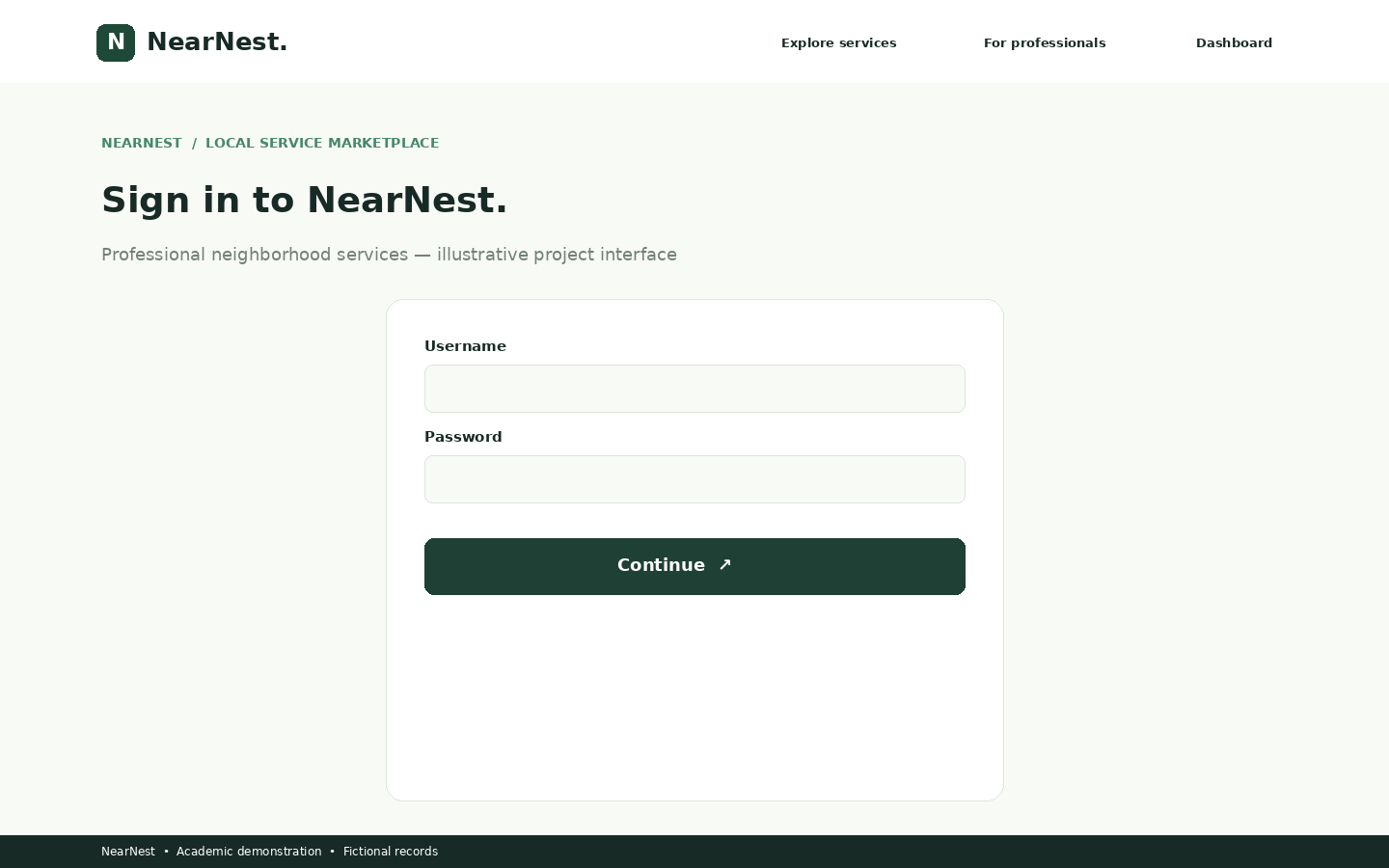
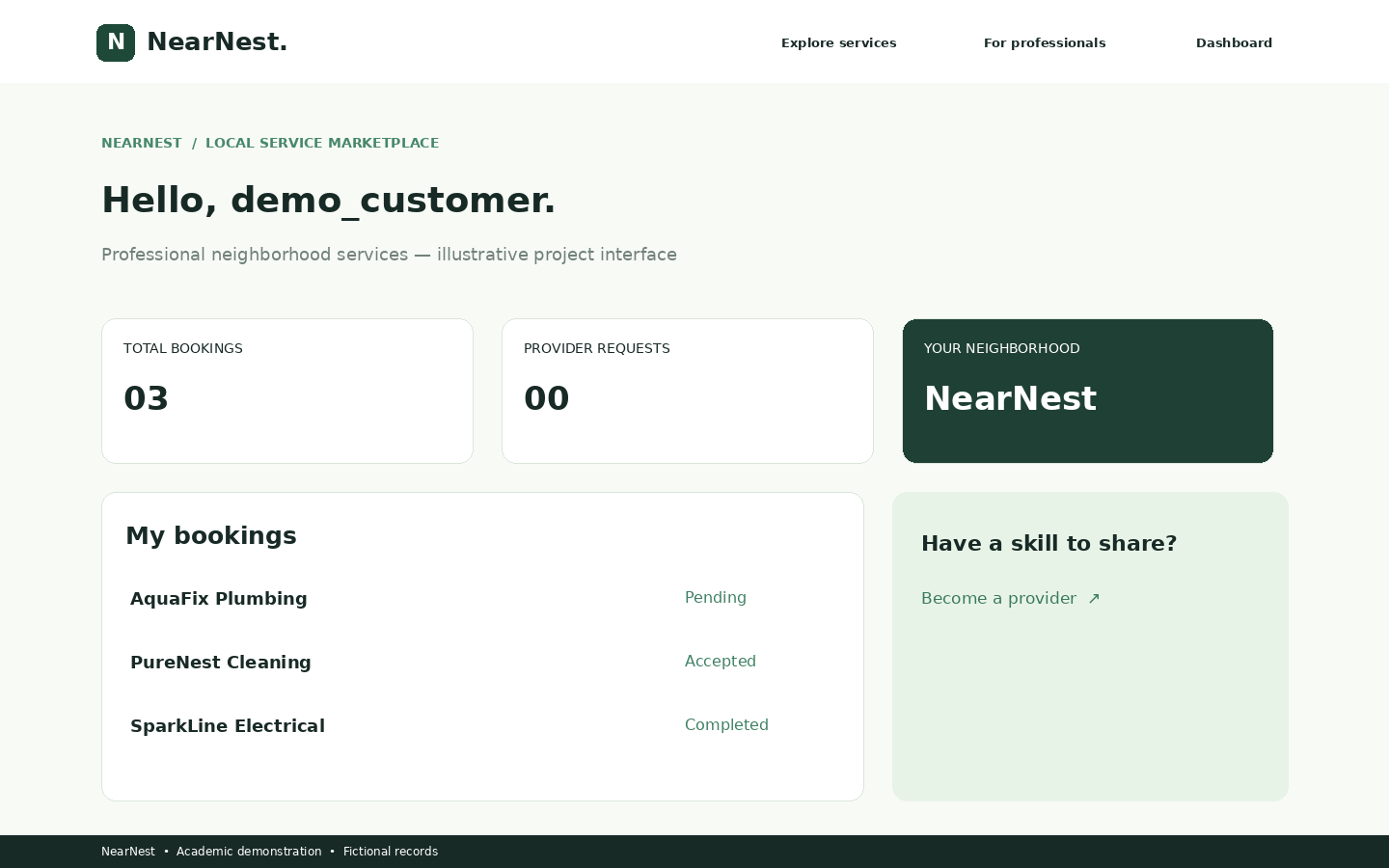
The system provides a modern responsive landing page, secure customer registration and login, service provider registration, service category browsing, location-based search, provider profiles, service booking requests, customer and provider dashboards, and an administrative management interface.
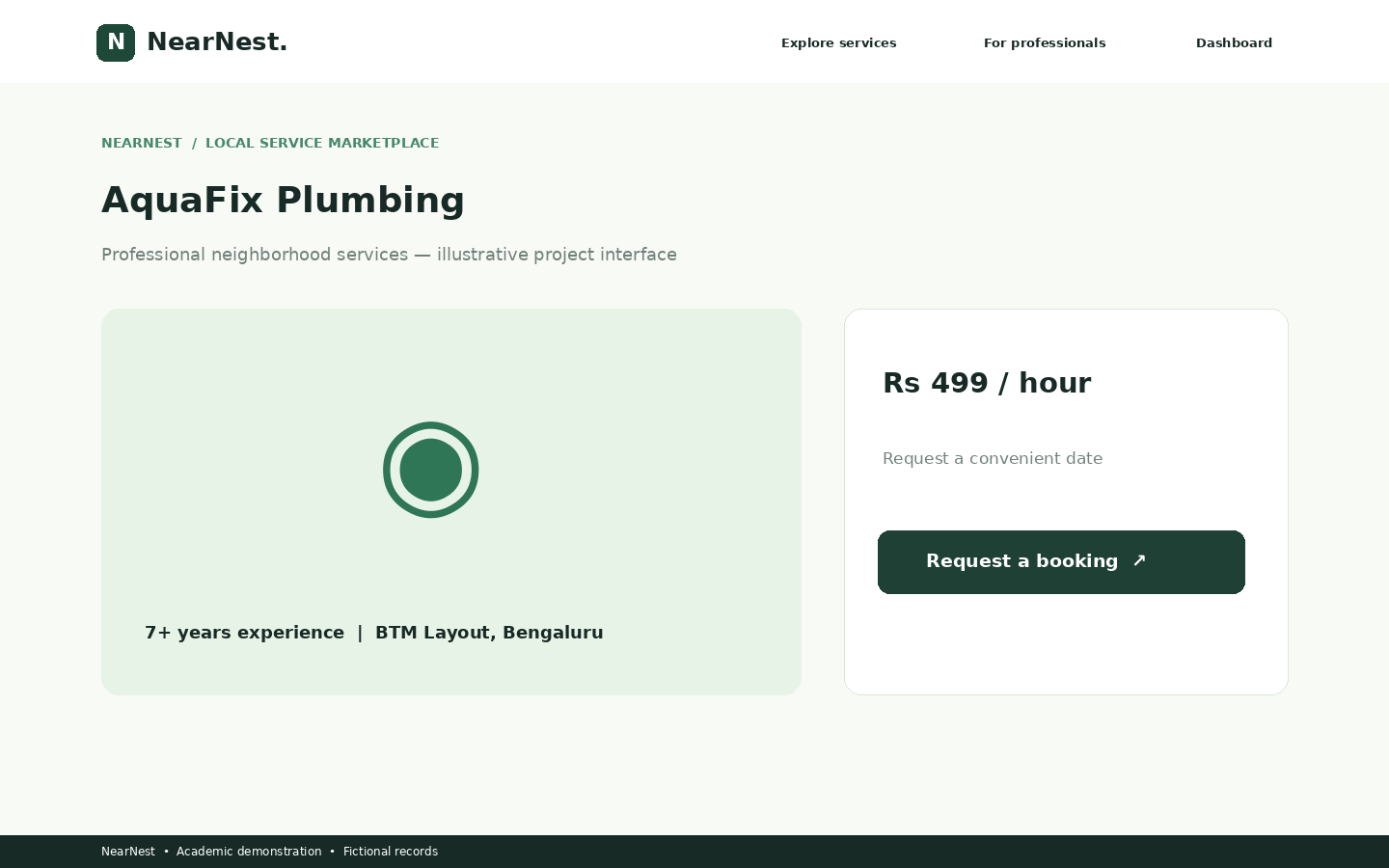
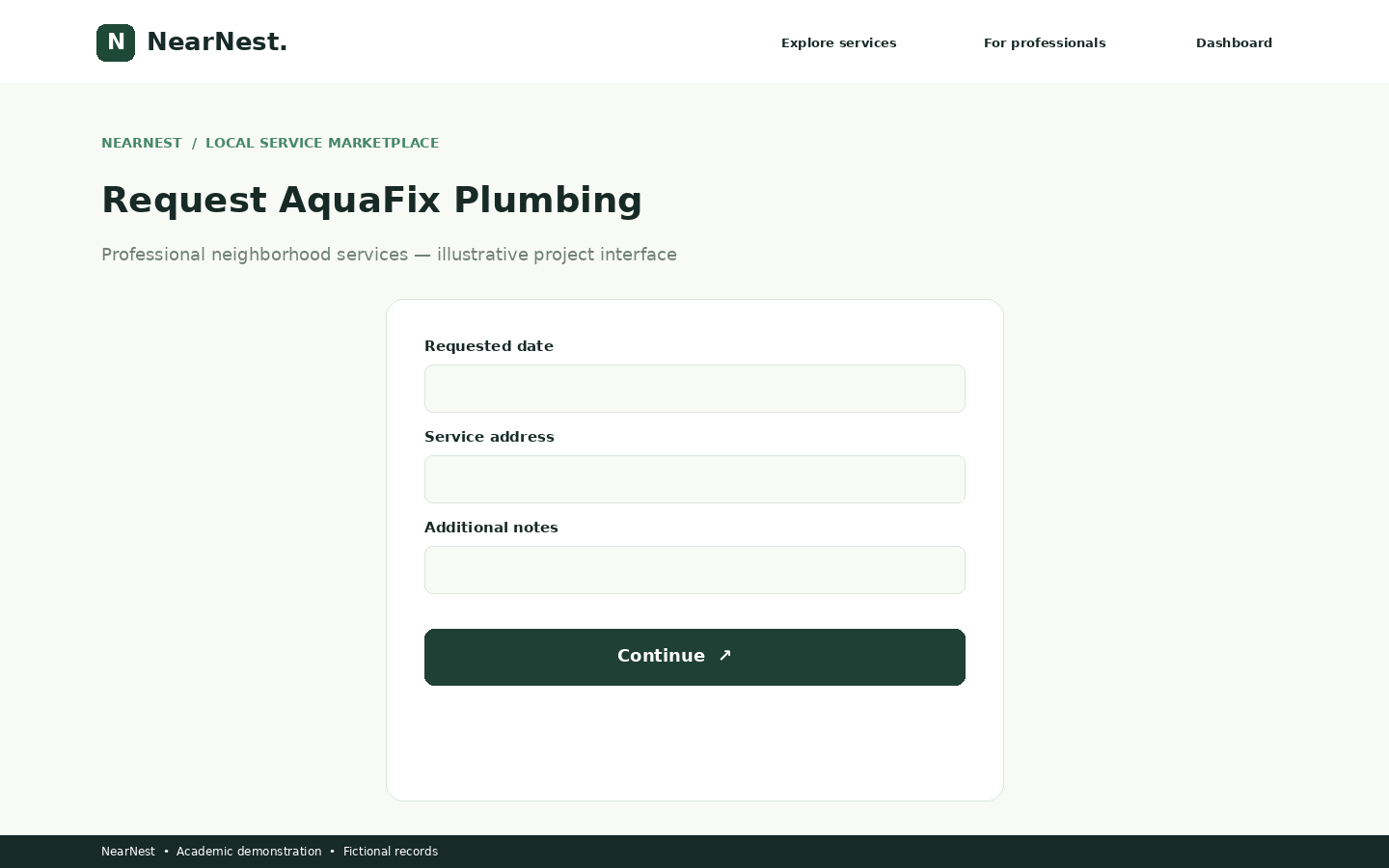
Customers can search for professionals by service category, city, and area, view provider information and indicative service rates, submit booking requests, and track their booking status.
Service providers can create professional profiles, manage incoming booking requests, and update service availability. Administrators can review provider profiles and manage application records through Django Admin.
The project demonstrates Django MVC-style architecture (Model-Template-View), database relationships, authentication, CRUD operations, service discovery, booking management, and role-based workflows.
NearNest is suitable for VTU 5th Semester BCS586 Mini Project students from Computer Science and Engineering (CSE) and Information Science and Engineering (ISE).
The project package includes Django source code, a mini project report from Abstract to References, an editable PowerPoint presentation, and project interface screenshots.
Note: This is an educational demonstration application. Service providers and their listings are fictional sample records. No real-world provider verification, payments, or guaranteed service bookings are offered.
What this project does
- 1. Modern and responsive landing page
- 2. Customer registration and secure login
- 3. Service provider registration
- 4. Customer and provider role management
- 5. Django Admin management panel
- 6. Service provider profile verification workflow
- 7. Service category browsing
- 8. Search by service category, city, and area
- 9. Detailed service provider profiles
- 10. Indicative hourly service rates
- 11. Service booking request creation
- 12. Booking status management
- 13. Customer booking dashboard
- 14. Service provider dashboard
- 15. Completed-service review functionality
- 16. SQLite database integration
- 17. Django ORM for database operations
- 18. Django authentication and CSRF protection
- 19. Mobile-friendly responsive interface
- 20. Sample provider data initialization for demonstration
What you need
HARDWARE REQUIREMENTS
- Processor: Intel Core i3 or equivalent
- RAM: Minimum 4 GB
- Storage: Minimum 1 GB available space
- Laptop or desktop computer
SOFTWARE REQUIREMENTS
- Operating System: Windows 10/11, Linux, or macOS
- Python 3.9 or above, subject to the included Django version
- Django framework and dependencies from requirements.txt
- SQLite3 database
- Visual Studio Code or another Python IDE
- Python pip package manager
- Modern web browser (Chrome, Edge, or Firefox)
PROJECT COMPONENTS
- Django project configuration
- Django application models, views, forms, and URLs
- HTML templates
- CSS and JavaScript assets
- SQLite database configuration
- requirements.txt
- manage.py
- Django Admin integration
- Sample data seeding command
- Customer, provider, and booking management modules
How to run this project
STEP 1: Download the Local Service Provider Finder System source code ZIP.
STEP 2: Extract the ZIP file into a folder.
STEP 3: Open the extracted project folder in Visual Studio Code.
STEP 4: Open the VS Code terminal.
STEP 5: Create a Python virtual environment:
python -m venv .venv
STEP 6: Activate the environment on Windows:
.venv\Scripts\activate
STEP 7: Install the project dependencies:
pip install -r requirements.txt
STEP 8: Create database migrations:
python manage.py makemigrations marketplace
STEP 9: Apply database migrations:
python manage.py migrate
STEP 10: Load fictional sample service provider records:
python manage.py seed_demo
STEP 11: Create an administrator account:
python manage.py createsuperuser
STEP 12: Start the Django development server:
python manage.py runserver
STEP 13: Open the application in your browser:
http://127.0.0.1:8000/
STEP 14: Open Django Admin:
http://127.0.0.1:8000/admin/
STEP 15: Register as a customer or service provider.
STEP 16: Explore service categories, search providers, submit booking requests, and test booking management.
Note: The project is intended for local academic demonstration. Real payments and live service fulfilment are not included.
Learn, build and make it yours
Read the code, try the features and change the project to match your idea. Make sure you understand how it works before using it for your coursework.
Download project files
Choose the files you need. Each file shows its price, or is marked free.
Sign in to purchase
Project report
₹79.99Presentation PPT
₹39.99Paid downloads stay available in your account when you return to this page. Free resources are supported by ads.
ADVERTISE WITH SEARCH CREATORS
Your next customer could be here.
Promote your company, college, course or event on our website. Contact us to discuss education, entertainment and business ads.
- Companies & brands
- Colleges & courses
- Events & entertainment
Tell us what you want to promote. Ask us about ad spaces, prices and available dates.