NGO Donation and Volunteer Management System – Python Flask Mini Project
Python, Flask, SQLite, HTML5, CSS3, JavaScript, Jinja2, Werkzeug
184 visitors0 file downloads8 screenshots
SEE IT IN ACTION
Click an image to see it full sizeProject screenshots
THE IDEA
About this project
NGO Donation and Volunteer Management System (KindBridge) is a web-based mini project developed using Python Flask, SQLite, HTML, CSS, and JavaScript. The system provides a centralized platform for managing NGO donation campaigns, donor contributions, volunteer opportunities, and community participation.
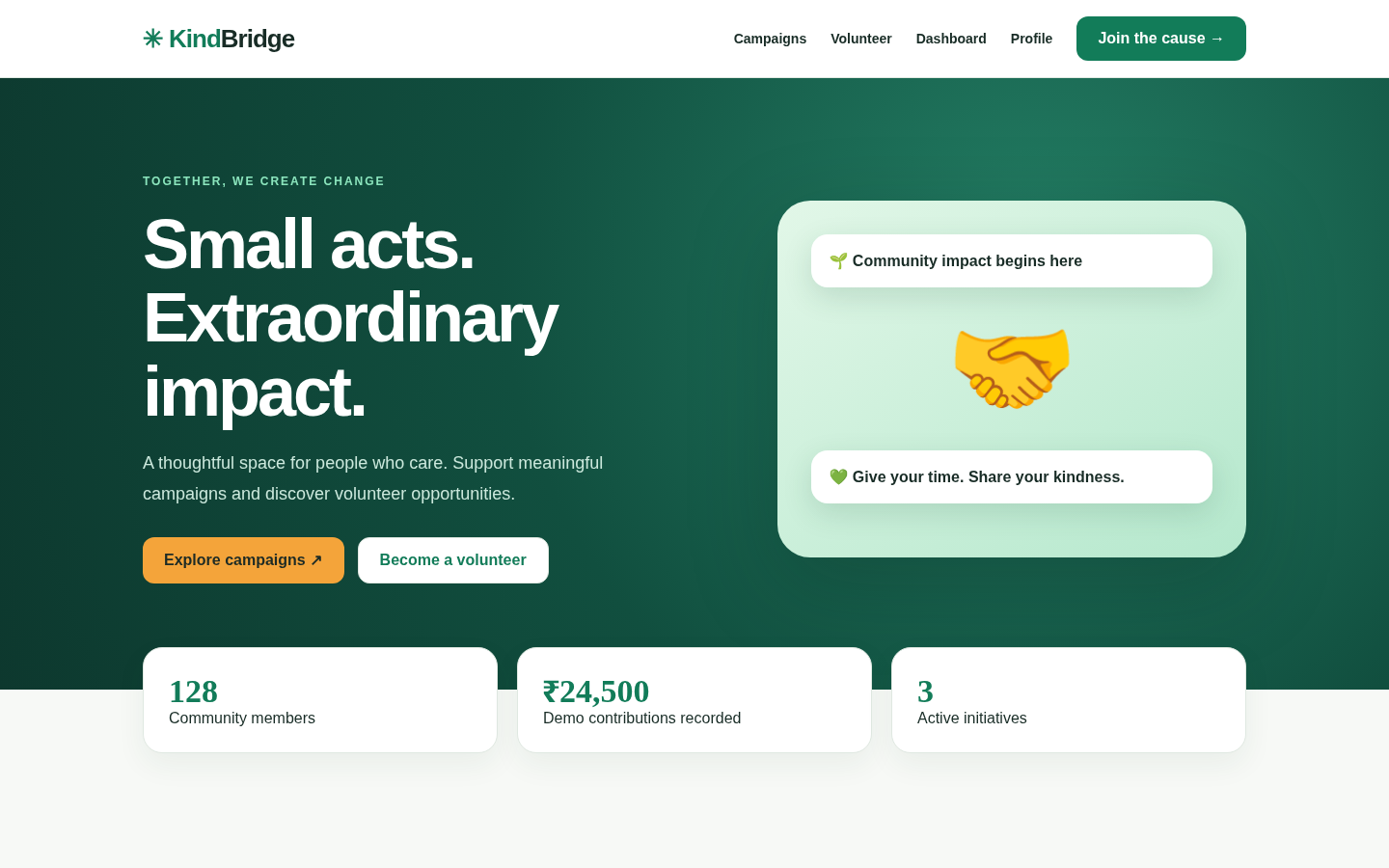
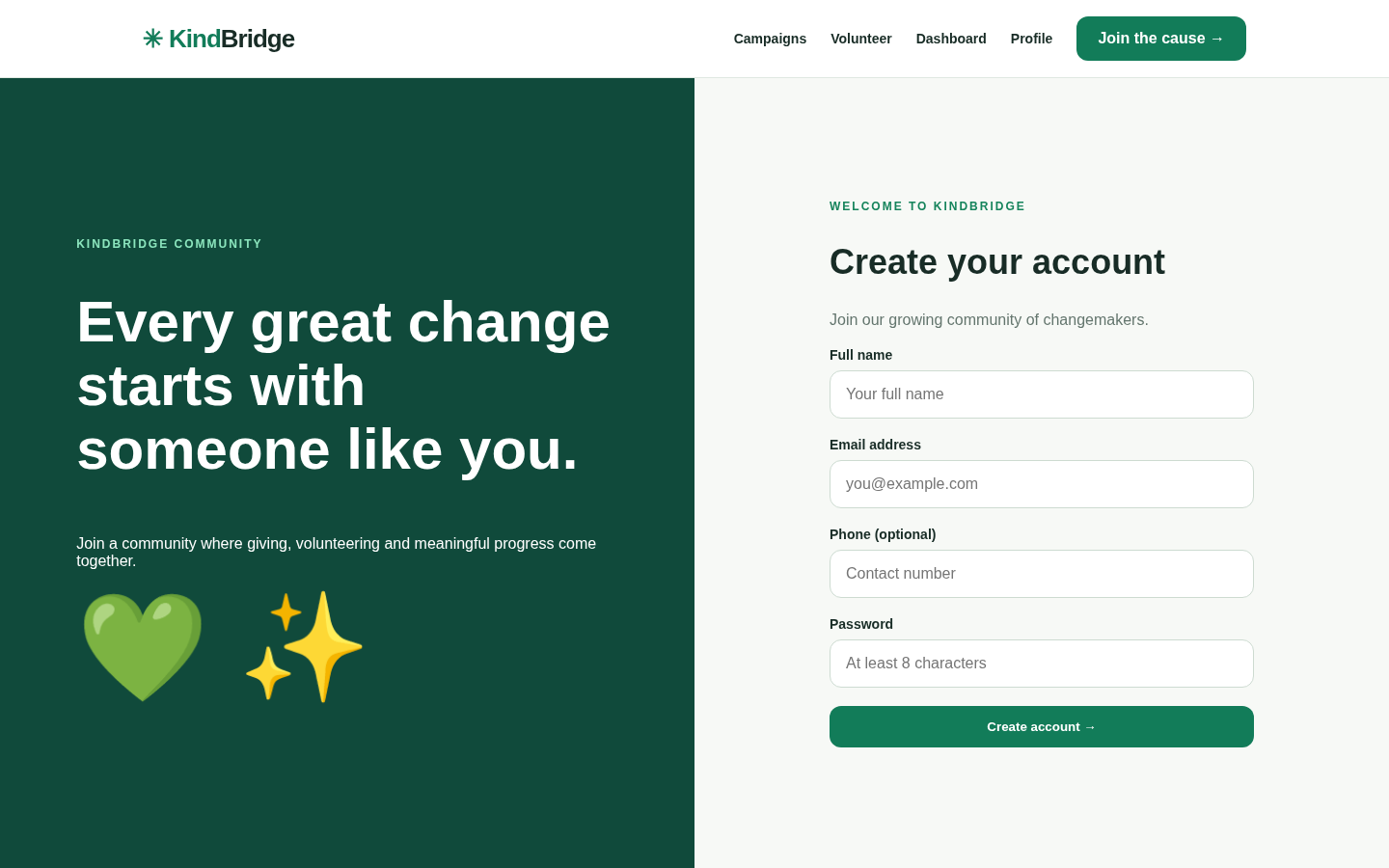
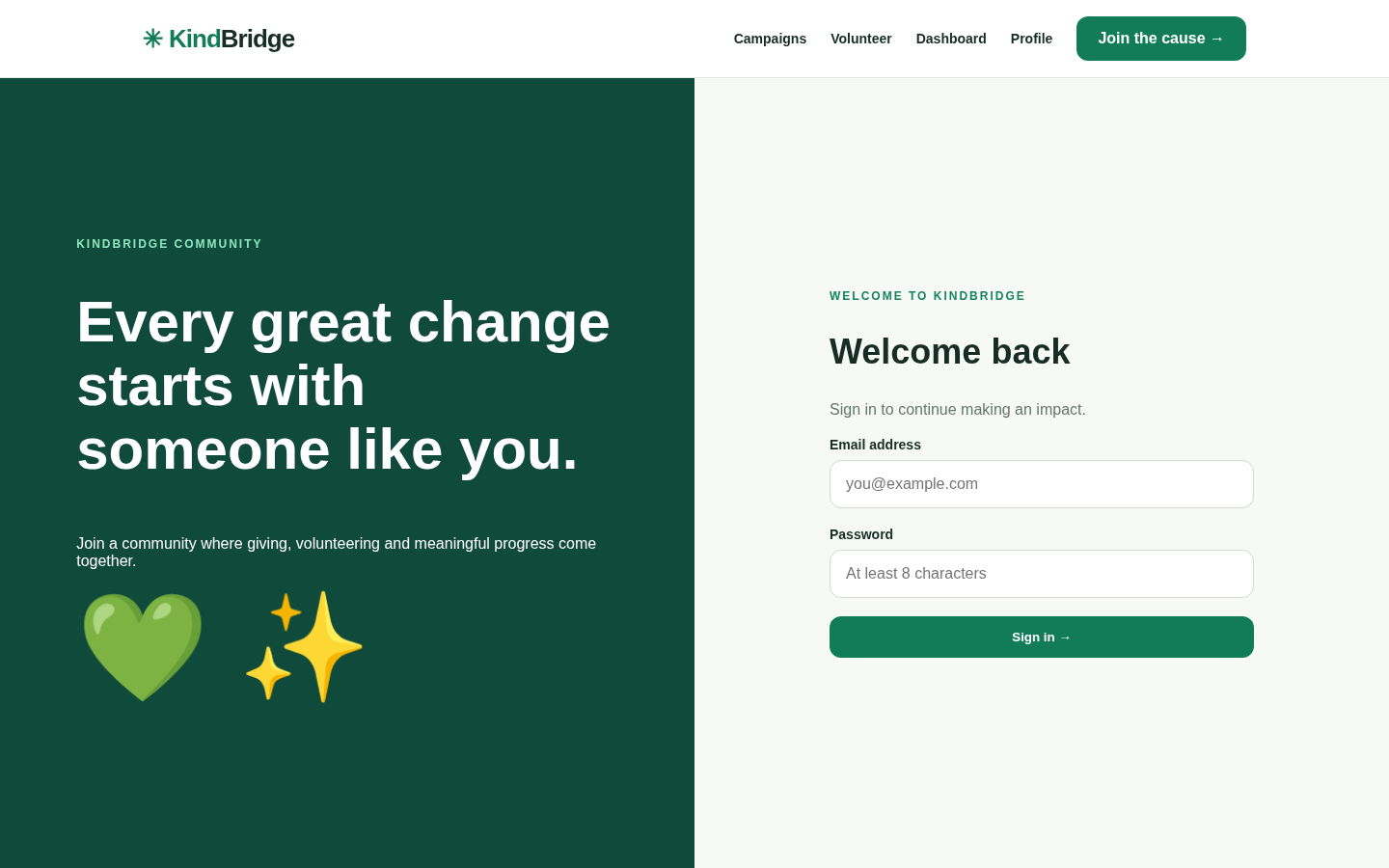
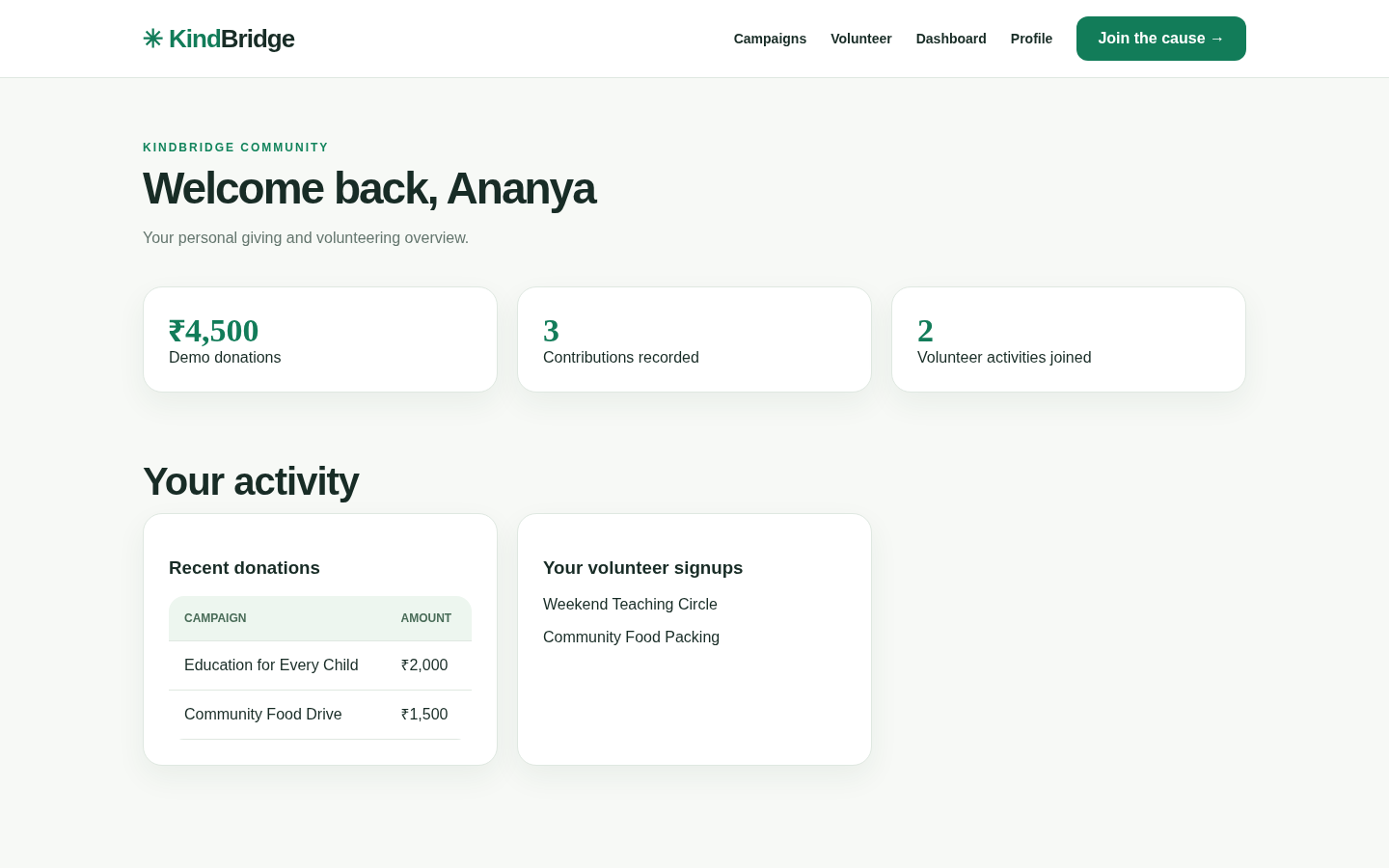
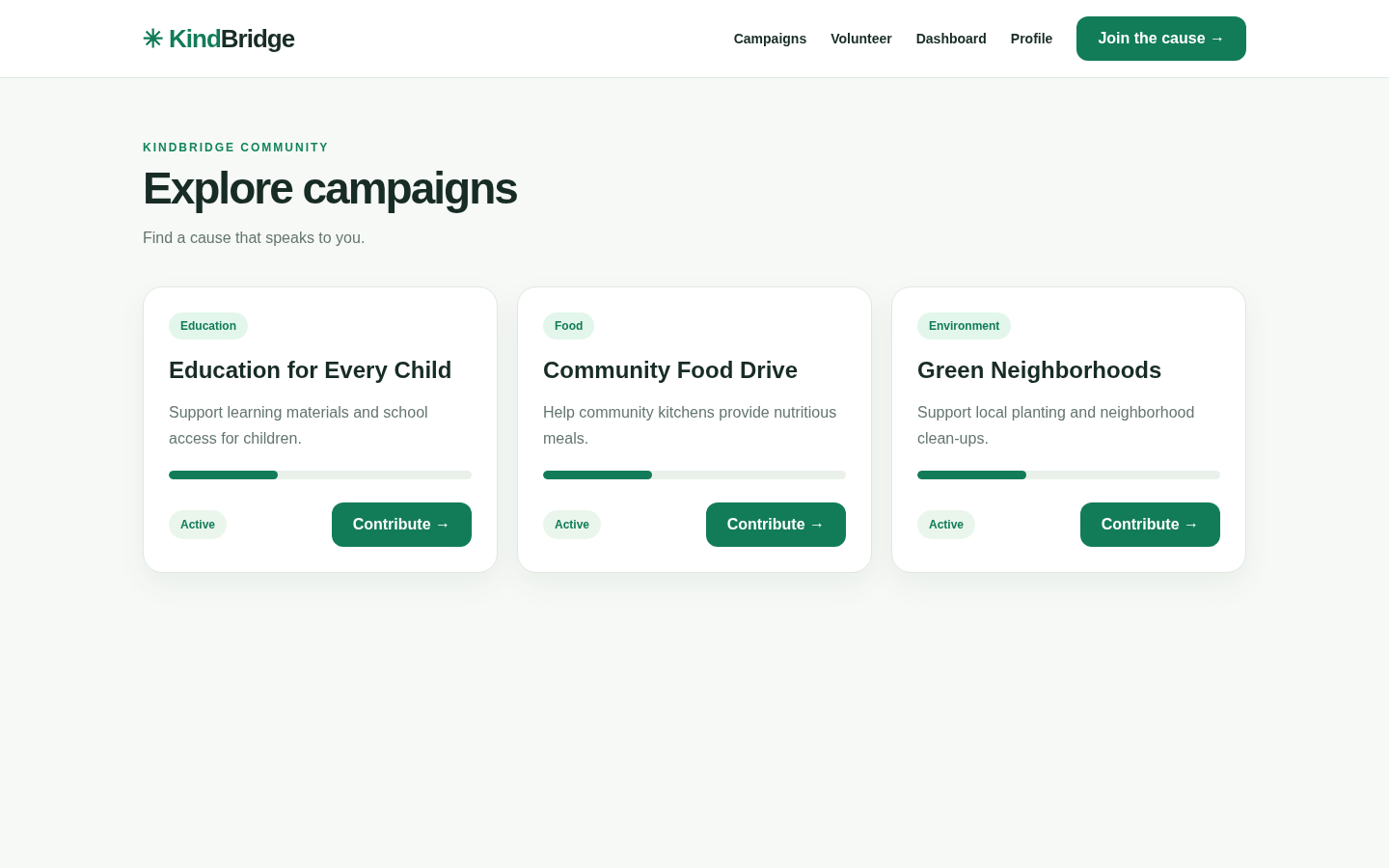
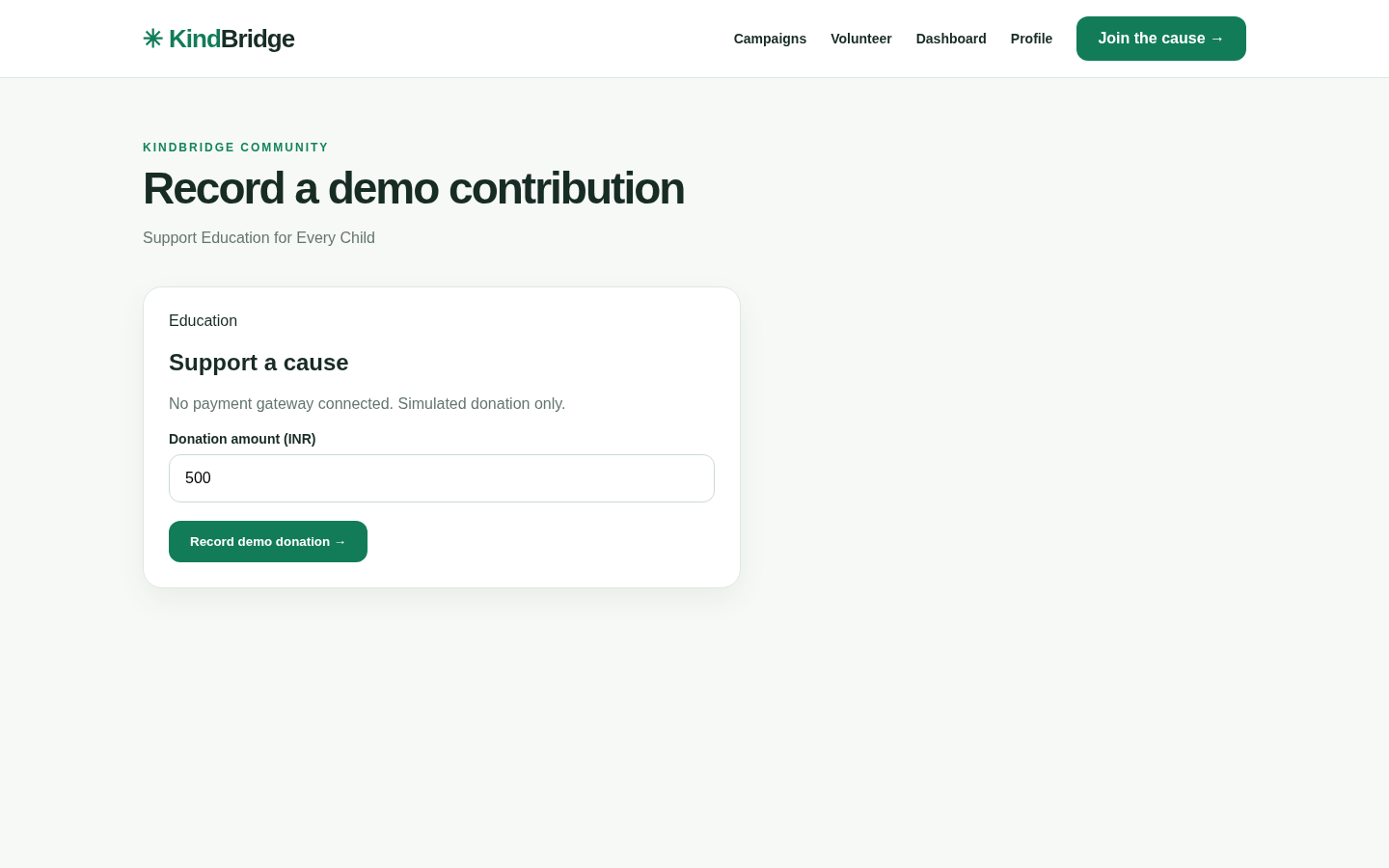
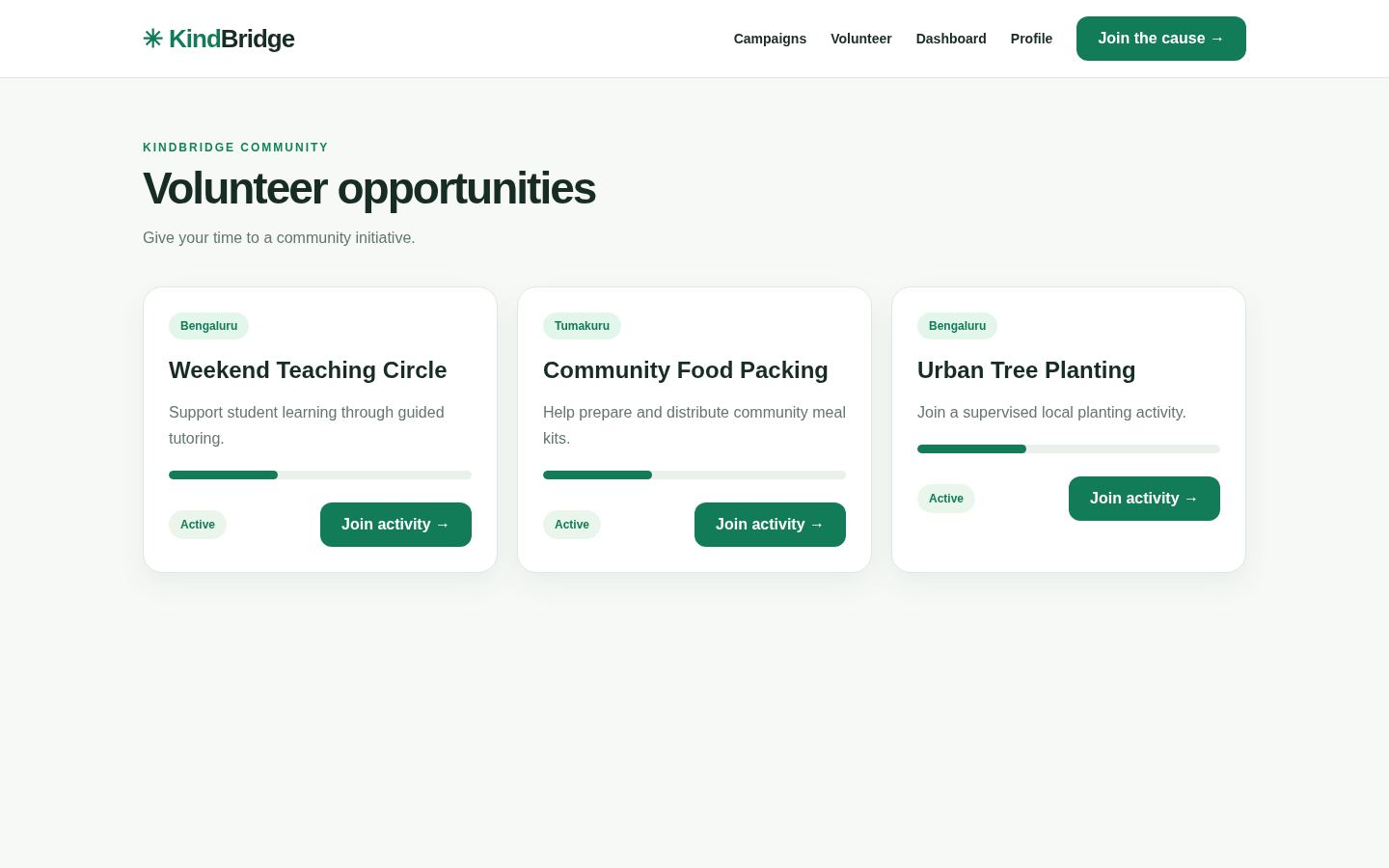
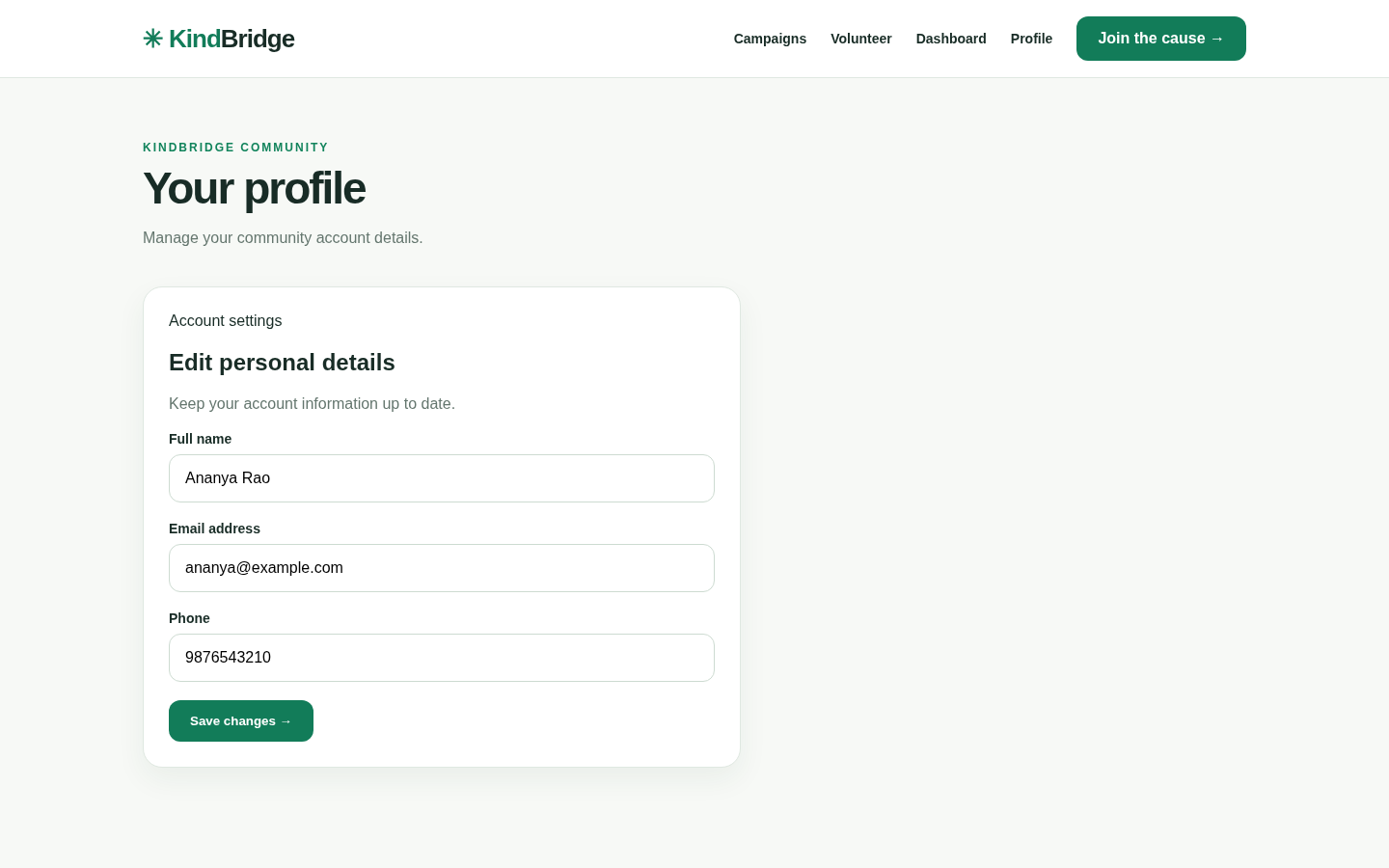
The application includes a modern responsive landing page, secure user registration and login, a personalized dashboard, donation campaign listings, demonstration donation records, volunteer opportunity management, volunteer registration, and user profile management.
Users can explore available NGO campaigns, record simulated donations, register for volunteering opportunities, and track their participation through an organized dashboard.
KindBridge demonstrates full-stack web application development, user authentication, database operations, CRUD functionality, and the management of social service activities.
This project is suitable for VTU 5th Semester BCS586 Mini Project students from Computer Science and Engineering (CSE) and Information Science and Engineering (ISE).
The project package includes Python Flask source code, a mini project report from Abstract to References, an editable presentation, and project interface screenshots.
Important: This is an educational demonstration application. Donation records are simulated, and the system does not process real financial transactions.
What this project does
- 1. Modern and responsive NGO landing page
- 2. Secure user registration and login
- 3. Personalized user dashboard
- 4. NGO donation campaign listings
- 5. Campaign details and donation goals
- 6. Demonstration donation recording
- 7. Donation contribution history
- 8. Volunteer opportunities directory
- 9. Volunteer opportunity registration
- 10. Volunteer participation tracking
- 11. User profile management
- 12. SQLite database integration
- 13. Secure password hashing
- 14. CSRF protection
- 15. Mobile-friendly responsive design
- 16. Organized navigation and dashboard interface
- 17. Donation and volunteering management workflows
- 18. Educational full-stack Python Flask implementation
What you need
HARDWARE REQUIREMENTS
- Processor: Intel Core i3 or equivalent
- RAM: Minimum 4 GB
- Storage: Minimum 500 MB available space
- Laptop or desktop computer
SOFTWARE REQUIREMENTS
- Operating System: Windows 10/11, Linux, or macOS
- Python 3.9 or above
- Flask and required Python packages
- SQLite3 database
- Visual Studio Code
- Python pip package manager
- Modern web browser (Chrome, Edge, or Firefox)
PROJECT COMPONENTS
- Python Flask backend
- HTML templates
- CSS and JavaScript files
- SQLite database
- requirements.txt
- README.md
- User authentication and donation management modules
Note: A payment gateway is not required because donation transactions are simulated for academic demonstration.
How to run this project
STEP 1: Download the NGO Donation and Volunteer Management System source code ZIP.
STEP 2: Extract the ZIP file into a folder.
STEP 3: Open the extracted project folder in Visual Studio Code.
STEP 4: Open the VS Code terminal.
STEP 5: Create a virtual environment:
python -m venv .venv
STEP 6: Activate the virtual environment on Windows:
.venv\Scripts\activate
STEP 7: Install the required dependencies:
pip install -r requirements.txt
STEP 8: Run the Flask application:
python app.py
STEP 9: Open the application in your browser:
http://127.0.0.1:5000
STEP 10: Register a new user account and log in.
STEP 11: Explore the dashboard, donation campaigns, volunteer opportunities, donation records, and user profile.
STEP 12: Record sample donations and register for volunteering opportunities to demonstrate the application workflow.
Note: This project is intended for local academic demonstration. No real payments are processed.
Learn, build and make it yours
Read the code, try the features and change the project to match your idea. Make sure you understand how it works before using it for your coursework.
Download project files
Choose the files you need. Each file shows its price, or is marked free.
Get ZIP ↓
Project report
₹59.99Presentation PPT
₹29.99Paid downloads stay available in your account when you return to this page. Free resources are supported by ads.
ADVERTISE WITH SEARCH CREATORS
Your next customer could be here.
Promote your company, college, course or event on our website. Contact us to discuss education, entertainment and business ads.
- Companies & brands
- Colleges & courses
- Events & entertainment
Tell us what you want to promote. Ask us about ad spaces, prices and available dates.