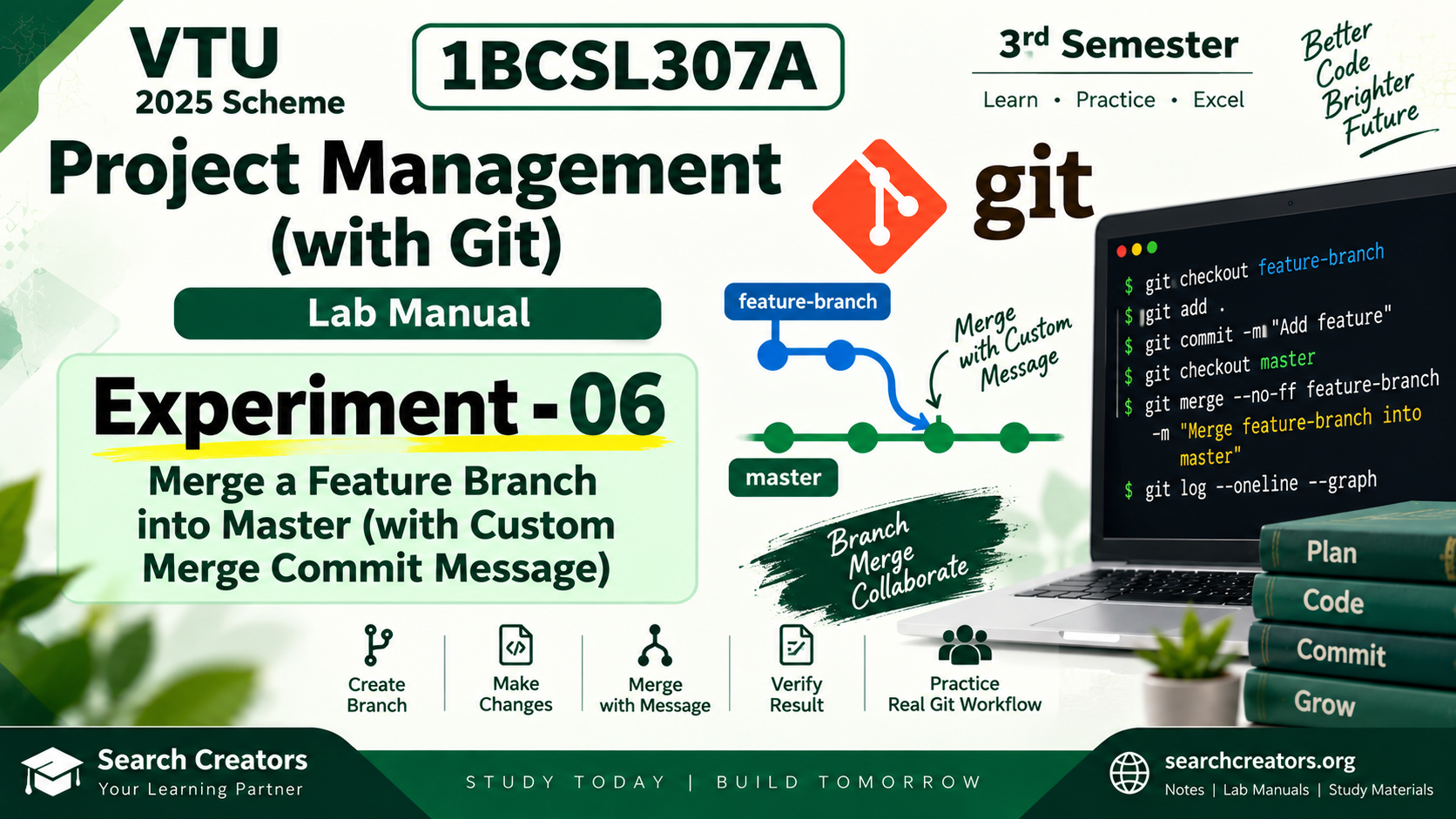
Download 1BCSL307A Project Management with Git Experiment 6 Lab Manual for VTU 2025 Scheme 3rd Semester.
Experiment 6 – Merge a Feature Branch into Master explains how to create and work with a feature-branch, switch back to the master branch, and merge the feature-branch into master with a custom merge commit message.
This lab manual includes:
• Aim and objectives
• Simple Git merge theory
• Feature branch and master branch concept
• Step-by-step procedure
• Creating feature-branch
• Switching between Git branches
• Making and committing feature changes
• Merging feature-branch into master
• Creating a custom merge commit message
• git merge --no-ff command explanation
• Git commands with sample execution
• Clean branch and merge diagrams
• Complete command sequence
• Result
• Viva questions with answers
• Easy student-friendly explanation
Useful for VTU 3rd Semester students studying 1BCSL307A Project Management with Git under the 2025 Scheme.
Prepared by Search Creators.
Opens on any device — save it anywhere, access forever.
What's inside: Download 1BCSL307A Project Management with Git Experiment 6 Lab Manual for VTU 2025 Scheme 3rd Semester.
Experiment 6 – Merge a Feature Branch into Master explains how to create and work with a feature-branch, switch back to the master branch, and merge the feature-branch into master with a custom merge commit message.
This lab manual includes: • Aim and objectives • Simple Git merge theory • Feature branch and master branch concept • Step-by-step procedure • Creating feature-branch • Switching between Git branches • Making and committing feature changes • Merging feature-branch into master • Creating a custom merge commit message • git merge --no-ff command explanation • Git commands with sample execution • Clean branch and merge diagrams • Complete command sequence • Result • Viva questions with answers • Easy student-friendly explanation
Useful for VTU 3rd Semester students studying 1BCSL307A Project Management with Git under the 2025 Scheme.
Prepared by Search Creators.
Instant Download
Study at Your Pace
Your PDF is Ready!
Payment successful! Your full notes are unlocked now. Open the PDF on any device — phone, tablet, or computer.
On Phone: Check your Downloads folder or notification bar — tap to open.
On Computer: File saves to your Downloads folder.
Lifetime access: Download again anytime from this page.