Preview:
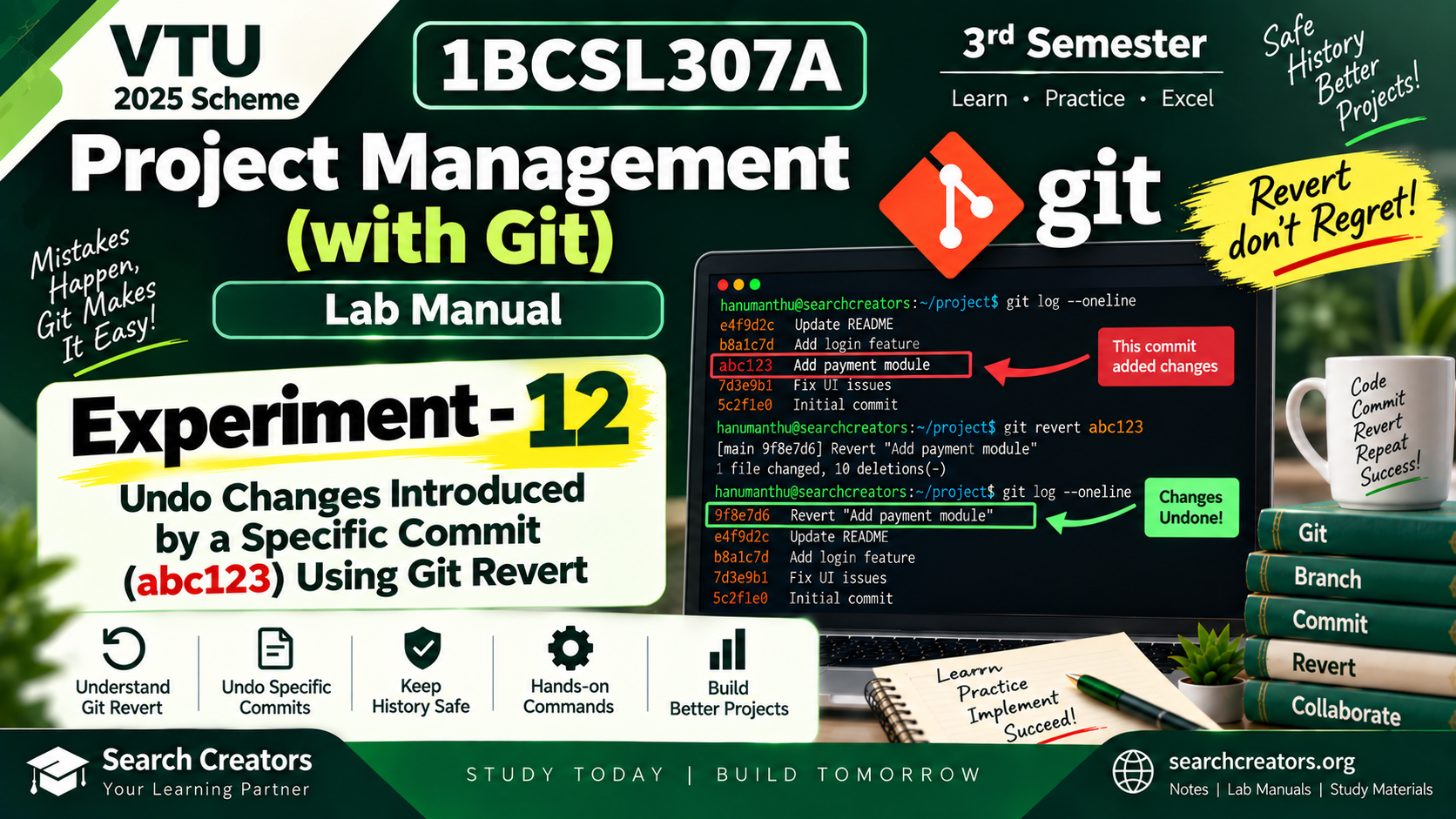
Lab Manual2025 SchemeFree study material
Branch
CSE
Semester
3
Subject
Project Management (with Git)
Price
Unlocked
▶ Download madoke help beka?
Tap a file's Download button, then check your phone's Files / Downloads folder. For external resources, tap Open and use the provider's download option.
Free Downloads
All files unlocked — download or open below
pms_experiment-12.pdf
Uploaded
Download
Opens on any device — save it anywhere, access forever.
What's inside: Download 1BCSL307A Project Management with Git Experiment 12 Lab Manual for VTU 2025 Scheme 3rd Semester.
Experiment 12 – Undo Changes Using Git Revert explains how to undo the changes introduced by a specific Git commit using the git revert command while preserving the existing commit history.
This lab manual includes:
• Aim and objectives
• Simple Git revert theory
• Step-by-step procedure
• Finding commit ID using git log
• Inspecting a commit using git show
• Undoing changes introduced by a specific commit
• Using git revert <commit-id>
• Using git revert --no-edit
• Verifying files after revert
• Understanding the new revert commit
• Git Revert vs Git Reset
• Handling revert conflicts
• Git commands with sample execution
• Clean Git revert and workflow diagrams
• Complete command sequence
• Result
• Viva questions with answers
• Easy student-friendly explanation
Useful for VTU 3rd Semester students studying 1BCSL307A Project Management with Git under the 2025 Scheme.
Prepared by Search Creators.
Experiment 12 – Undo Changes Using Git Revert explains how to undo the changes introduced by a specific Git commit using the git revert command while preserving the existing commit history.
This lab manual includes:
• Aim and objectives
• Simple Git revert theory
• Step-by-step procedure
• Finding commit ID using git log
• Inspecting a commit using git show
• Undoing changes introduced by a specific commit
• Using git revert <commit-id>
• Using git revert --no-edit
• Verifying files after revert
• Understanding the new revert commit
• Git Revert vs Git Reset
• Handling revert conflicts
• Git commands with sample execution
• Clean Git revert and workflow diagrams
• Complete command sequence
• Result
• Viva questions with answers
• Easy student-friendly explanation
Useful for VTU 3rd Semester students studying 1BCSL307A Project Management with Git under the 2025 Scheme.
Prepared by Search Creators.
Instant Download
Study at Your Pace
Be the first to ask a question or share how these materials helped you.